Don't listen to the advice out there that tells you to
waste an entire weekend backup, delete, create a
new (and bigger!) partition, then restore when you want to
resize your Boot Camp partition. There is a much easier way: iPartition.
Ordinarily I probably would have skipped writing this post. But there's so much of the bad advice out there that I thought I'd post this in hopes that it will save someone the hassle of the ridiculous process described above.
iPartition is not the most user friendly of applications I've used on a platform known for "just working",
but it does get the job done.
For instance, when I opened up iPartition for the first time, there was no indication of what to do. I couldn't figure
out how to resize the partition. Well, it turns out that a tiny warning told me: I just
had to find it first:
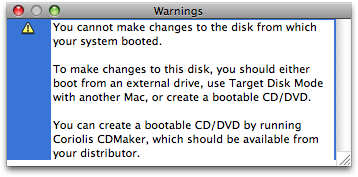
Now I need to find a CD and create a bootable disk. Ok, pop it in to create one, and...
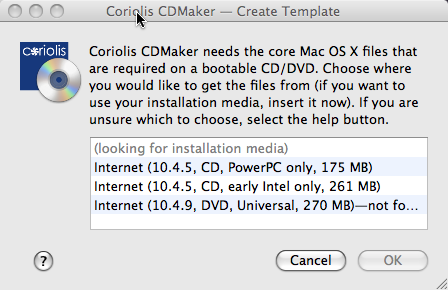
Uh oh! I've got Leopard, version 10.5. Well, now I have to take
my laptop home and use the Leopard DVD.
But it didn't tell me I'd still need to burn something. That's ok, I've got blank CDs at home. Unfortunately,
it didn't say I'd need DVDs either. I didn't bring one from the office, so I had to trek up to the store.
No problem. I figured I'd need to defrag the drive anyway, since it would need to make sure nothing gets
overwritten at the end of the drive when we resize it. So, I'll start the defrag while I go out and
get a blank DVD.
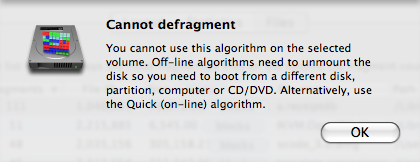
Ugh. Ok, here are the algorithms:
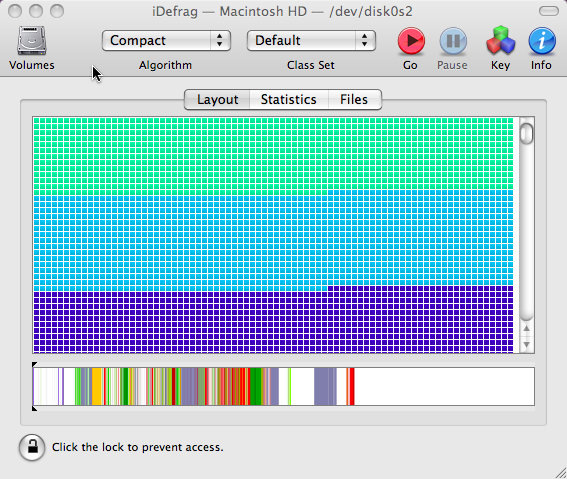
But the one it says I need isn't available:
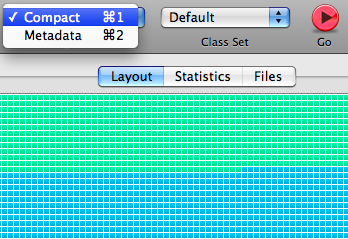
Oh well. I guess I'll go to the store and do the defrag after I create the disk. Thirty minutes later,
I'm well on
my way to resizing partition bliss:
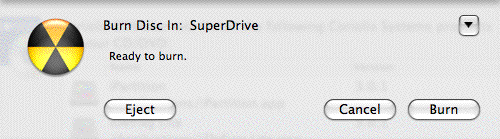
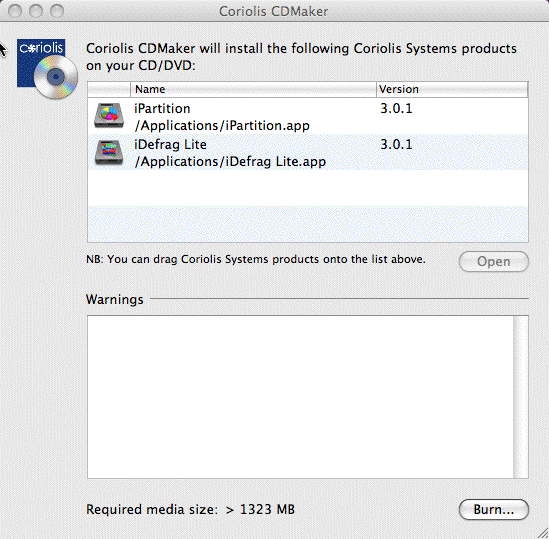
Only one more hiccup:
How was I supposed to know what to do or that it was done?
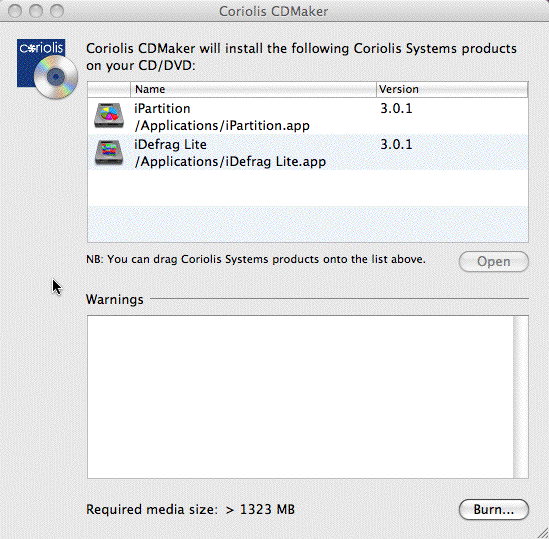
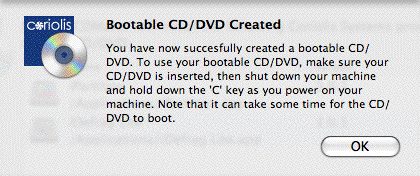
Oh, there you are!
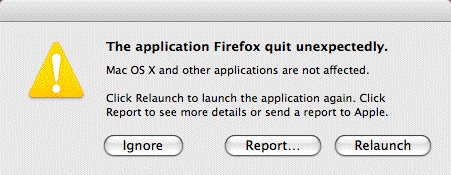
iPartition wasn't the only program that gave me trouble during this process. After seeing the
beachball of doom, Firefox decided it
couldn't handle the pain:
After I got past all the distractions, the actual defrag process and resizing partitions went really smoothly.
Even with all the trouble, I'd estimate it took about 3 hours from start to done. Without the trouble,
perhaps only 1.5 hours: and most of that you don't have to be present for - just start it and go lay down to
nurse your Saturday Morning Hangover with some Gatorade, beans on toast with fried eggs, and Saturday morning
cartoons.
It may cost $50, but it's well worth it. Likewise, it might have given me a lesson in how not to design the flow of an application, but most importantly,
it saved me a weekend.
Hey! Why don't you make your life easier and subscribe to the full post
or short blurb RSS feed? I'm so confident you'll love my smelly pasta plate
wisdom that I'm offering a no-strings-attached, lifetime money back guarantee!
Leave a comment
There are no comments for this entry yet.
Leave a comment